
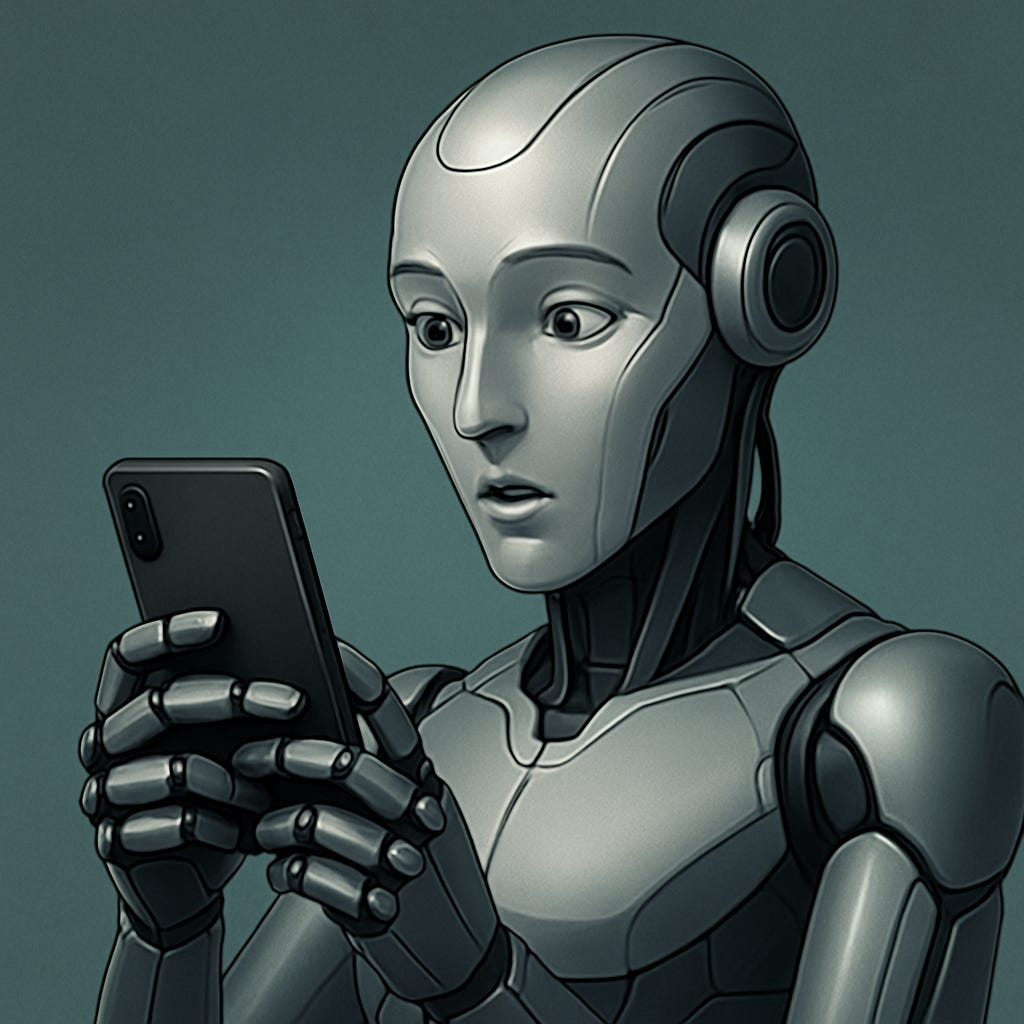
A cyborg is a creature that is part human, part machine. In fiction, this usually means people with cybernetic arms and computers in their brains, but some people think that it should include any person who uses technology to enhance their abilities. By that definition, a modern human with contact lenses, hearing aids, or a smartphone would count as a cyborg. If having a smartphone makes me a cyborg, then I want to use my cyborg powers to their fullest extent. Today I’m going to write about my personal cyborg repertoire: the apps I have on my smartphone that let me do things I wouldn’t be able to do otherwise. These capabilities include: identifying plants and animals I’ve never seen before, identifying planets and constellations, memorizing lists of things effectively, managing money effectively, extending my memory (with the notes and calendar apps), communicating long distance (phone and texting), and having an artificial intelligence in my pocket that can generate ideas and answer questions.
Nature
There are loads of apps out there for identifying things in nature. I love learning the names of the plants and animals I see, I think it gives me an extra sense of connection with them. Here are a couple apps that help with that.
Seek is the best all-around nature identification app I’ve found. You point your phone at a plant or animal, and the name of it will pop up on your camera. Unlike most other plant identification apps I’ve seen, Seek does the identification in real time, you don’t even have to wait to snap a picture. I’ve been having fun with it on my walks, pointing my phone at every plant I see and watching the name pop up.
Merlin is an identification app for birds. It can be hard to get a good picture of a bird, so Merlin tells you what they are based on their sounds. Again, it does it in real time, which is really helpful when there are several different birds calling at the same time. This morning I heard a red-winged blackbird, Bewick’s wren, brown headed cowbird, American goldfinch, Canada goose, and mallard, all while sitting on a bench by the river.
I have a couple different apps for stargazing. One of the first apps I got when I first got a smartphone was called Sky Map, it helps you identify the constellations and planets with an old-school map of the sky, which I kind of like. Some more recent apps use augmented reality to project the shapes of the constellations onto the view through your camera, I’m trying out Stellarium and Star Walk 2, but I haven't decided yet if I like either of them more than the one I’ve had for years. Finally, SpaceWeatherLive will let you know if it’s a good time to look for the aurora borealis.
Finance
Everyone who cares about personal finance should be tracking their expenses, and phone apps are a really easy way to do it. I use the RocketMoney app, which automatically tracks every purchase that goes through my credit card or bank account and sorts them into categories like “bills” and “groceries”. There’s a free version, but I also pay extra to get additional budgeting features, it’s one of the few services I’m willing to pay a monthly subscription for.
While I really like the RocketMoney app, I don’t like them as a company. Specifically, they have a bill negotiation service that seems really dishonest. If I were to start over, I would probably use a different app like YNAB (You Need a Budget), but I don’t think it’s worth the hassle of switching over.
If you like to follow the stock market, Robinhood is really easy to use. But I consider following the stock market one of my bad habits, it’s much better to put your money in a broad-market index fund and ignore the ups and downs of the stock market completely, so I wouldn’t recommend downloading Robinhood unless that’s something you already do.
Spaced repetition
I have all my social media apps inside a folder on my phone, and next to them is a spaced repetition (aka flashcards) app, as a reminder to myself that I have a goal of learning things instead of doomscrolling. Flashcards are a great replacement for social media because they give quick hits of dopamine when you know the answer, and they follow a rhythm similar to scrolling through a social media feed. I’m using the Anki app to learn about geography, cognitive biases, and common crossword answers. I know that not everyone enjoys studying flashcards as much as I do, but consider giving it a try!
Privacy
The internet is a ridiculously powerful tool for finding information, and so choosing which search engine and browser to use seem like they should be big decisions. Yet most people just stick to the defaults. I recently decided that I wanted to switch away from Google Chrome to a more privacy-focused browser, so I now have Brave as my default browser. Brave doesn’t track your information, and it also protects you from browser fingerprinting (websites tracking your activity based on things like fonts, screen size, and plugins). Brave browser isn’t the only option for privacy, but it’s the one that I’ve decided to go with.
A private browser isn’t enough for full privacy protection, you also need a VPN. I’ve been using the free version of Proton VPN. It works well enough for privacy purposes, but sometimes websites will think you’re a bot when using it, which is enough of a hassle that I don’t use it regularly.
Artificial Intelligence
When I want to generate a list of ideas or figure out the best way to phrase a thought, I usually ask ChatGPT. Sometimes I want a second opinion, and for that I use the Claude AI app. Claude is made by a company called Anthropic, which is one of the few companies that takes AI safety seriously, so I might switch over to making Claude my primary AI app eventually. I’ve dabbled with others, like Google’s Gemini, and each one has its own strengths and weaknesses, so it really comes down to personal preference.
The basics
There are also a bunch of apps that everyone already knows about, but which still deserve to be recognized as technological superpowers. These apps include:
Calendar for keeping track of events.
Maps for navigation (very important for the navigationally challenged like me!)
Calculator for calculating.
Alarm clock for waking up on time, timers for cooking.
Notes app for writing down random thoughts.
Camera for taking pictures.
Phone and texting for communicating with people.
Spotify and Youtube for listening to music.
Many, many more.
Conclusion
Many people would feel uncomfortable if we defined a human with a smartphone as a cyborg, even though it wouldn’t be too much of a stretch. But whatever words you want to use, smartphones give us superpowers compared to people of previous generations. Plant-identifying powers, money-managing powers, information-gathering powers, and multiple powerful artificial intelligence assistants in your pocket. (Just wait for the AI assistants that we’ll have three years from now, things are about to get pretty wild!) Sometimes we take these technological wonders for granted, but it’s good to remember how privileged we are to live in a time where this technology is considered commonplace. It makes me excited (and a little worried) for what the future will bring!
Let me know in the comments if you have any additional cyborg powers (aka phone apps) that have benefited your life!
I think I'll give the geography app a try